Convert MOV to MP3 Online
Turn your MOV videos into MP3 audio files effortlessly
Why You Need a MOV to MP3 Converter
Converting MOV files to MP3 helps you extract audio tracks from videos for music playlists, podcasts, or offline listening. You may want to save your favorite video soundtracks or create audio-only content without re-recording, making your media more versatile.
Overview of the Online MOV to MP3 Tool
This online tool converts MOV files into MP3 format directly from your browser. It allows you to upload a video and receive a standalone MP3 audio file without installing any software. The tool supports various MOV files and outputs standard MP3 tracks for different playback devices.
Features of the Free MOV to MP3 Converter
Fast Conversion Speed
Convert MOV files to MP3 in seconds, even when handling large videos. You can keep your workflow smooth without unnecessary waiting.
Preserve Original Audio Quality
The MP3 output maintains the full clarity of the original MOV audio. Every detail of music or speech stays intact for professional or casual use.
Cross-Platform Accessibility
You can convert MOV to MP3 on any device with a browser. Whether you use Windows, Mac, or mobile, the tool remains fully functional and easy to access.
Privacy and Security
Uploaded files are automatically deleted after conversion, and no personal information is collected. You can convert MOV to MP3 safely without worrying about privacy breaches.
How to Convert MOV to MP3 Online
Step 1. Click the + Add File button and select your MOV file.
Step 2. Choose MP3 as the output format. Then click “Convert” and wait for the process to finish.
Step 3. Download the MP3 file directly to your device.
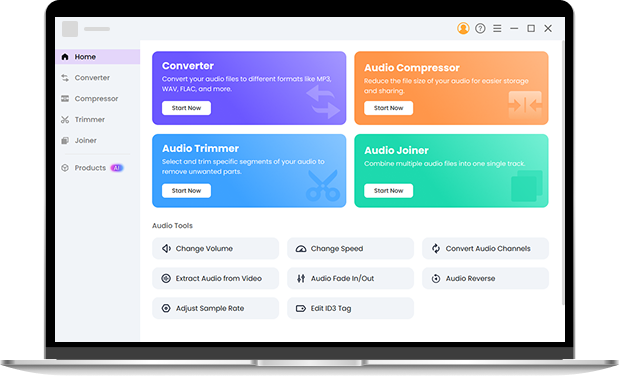
Enhance Your Audio Workflow with Pro Audio Toolkits
If you frequently work with audio, consider Pro Audio Toolkits for advanced features like batch conversion, high-speed processing, and full control over encoding settings. These tools extend your workflow beyond simple MOV to MP3 conversions. Try it right now.
Frequently Asked Questions about MOV to MP3
-
1. What is the best way to convert MOV to MP3?
You can use our online MOV to MP3 converter for a fast, browser-based solution without installing software.
-
2. Can I convert MOV to MP3 for free?
Yes, this online tool allows free conversion with no hidden fees or subscription requirements.
-
3. Will my audio quality be reduced when converting MOV to MP3?
No. The tool preserves the original audio quality, ensuring clarity and proper sound balance.
-
4. Can I use this tool on Mac or iPhone?
Absolutely. The online converter works on Mac, iPhone, and other devices with a web browser.
-
5. Does this MOV to MP3 converter have file size limits?
The online MOV to MP3 converter does not enforce strict limits for normal use. If you work with very large files or long recordings regularly, Pro Audio Toolkits handles MOV to MP3 conversions without preset file size limits, using local processing instead of server-based uploads.
Extra Features of the MOV to MP3 Converter
-
Lightweight and Simple
The interface is clean, making conversions straightforward.
-
No Installation Needed
You can convert files directly from your browser without installing software.
-
Supports Various Formats
Besides MOV to MP3, the tool can handle multiple common video formats.
-
Anonymous Usage
No registration or personal data is required, ensuring full privacy.
Give Us 5 Stars!
Show your love by giving 5 stars!
We'll continue to offer best way to convert MOV to MP3.
reviews